GetCompress
Compress PDF, videos, images & GIFs in batches: fast, secure, local

GetCompress
Quickly compress videos, images, GIFs, and PDFs in batches: enjoy up to 90% smaller files with minimal quality loss, all offline and secure on your Mac or PC.
Prerequisites
GetCompress installation is required to use this extension
Commands
- Import Files
- Add the selected files to GetCompress for further compression or conversion.
- Compress Files quickly
- Hit enter and compress the selected files straight away, using the saved presets in GetCompress, or choose a preset or quality from dropdown optional arguments.
- Note: actual preset names are unavailable here because Raycast does not allow dynamic arguments for commands without opening a separate screen. Instead, you select presets by index, following the same ordering that you see in your app.
- Compress Files
- Compress selected files after selecting quality, output format or presets
- More options are available here, as presets names and quality values are fetched from GetCompress data.
Screenshots
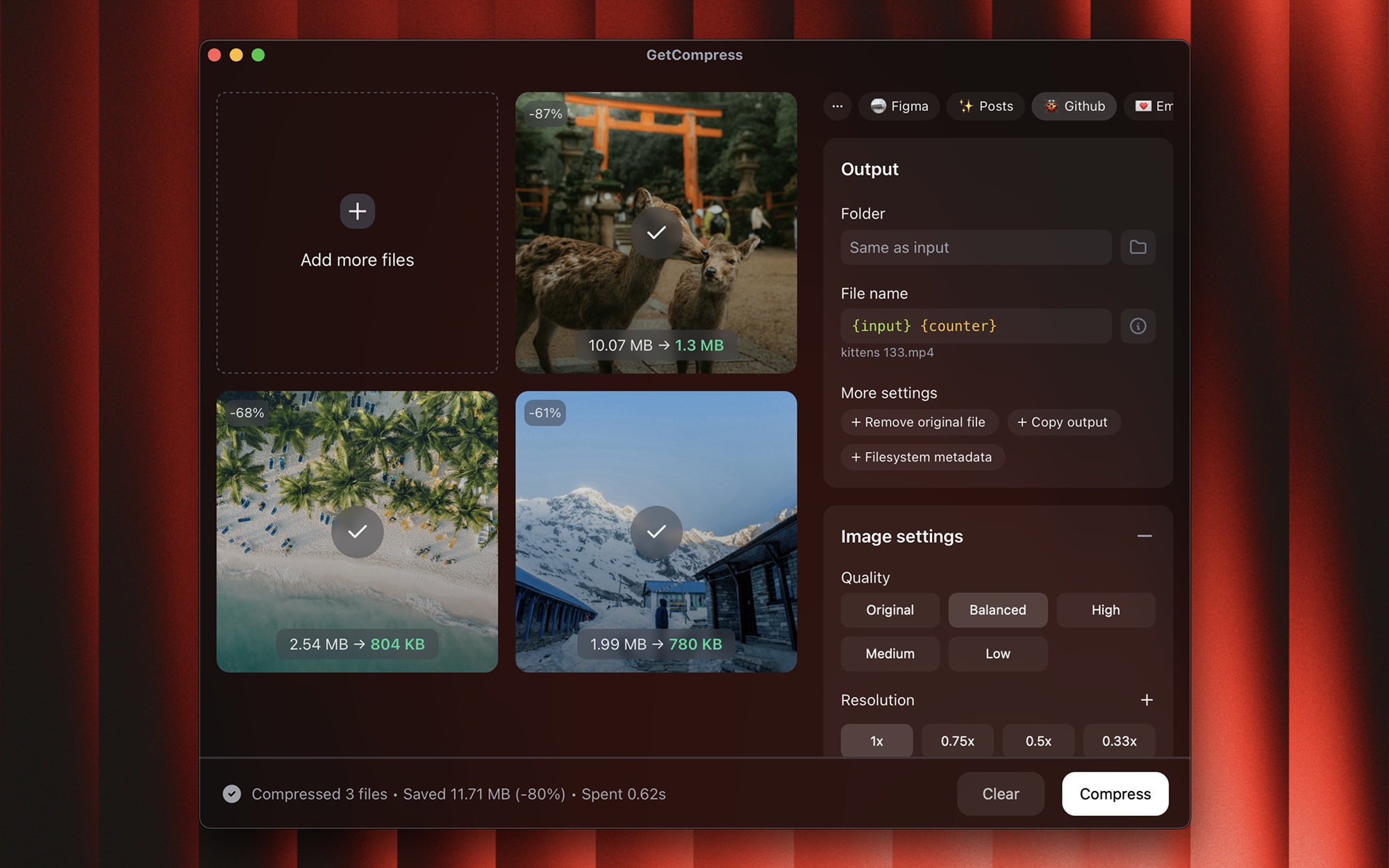


Categories
Source code
